
Write a progress update撰写进度报告
A short written note on how a child is getting on, which the parent can read and download.一段简短的文字说明孩子学得如何,家长可以阅读与下载。
这篇指南的正文目前只有英文版。标题、摘要与导览已翻译;内文仍在翻译中。
A progress update is the instructor's own words about a child — distinct from an assessment, which is a pass or a fail. Parents read these more carefully than anything else you produce.
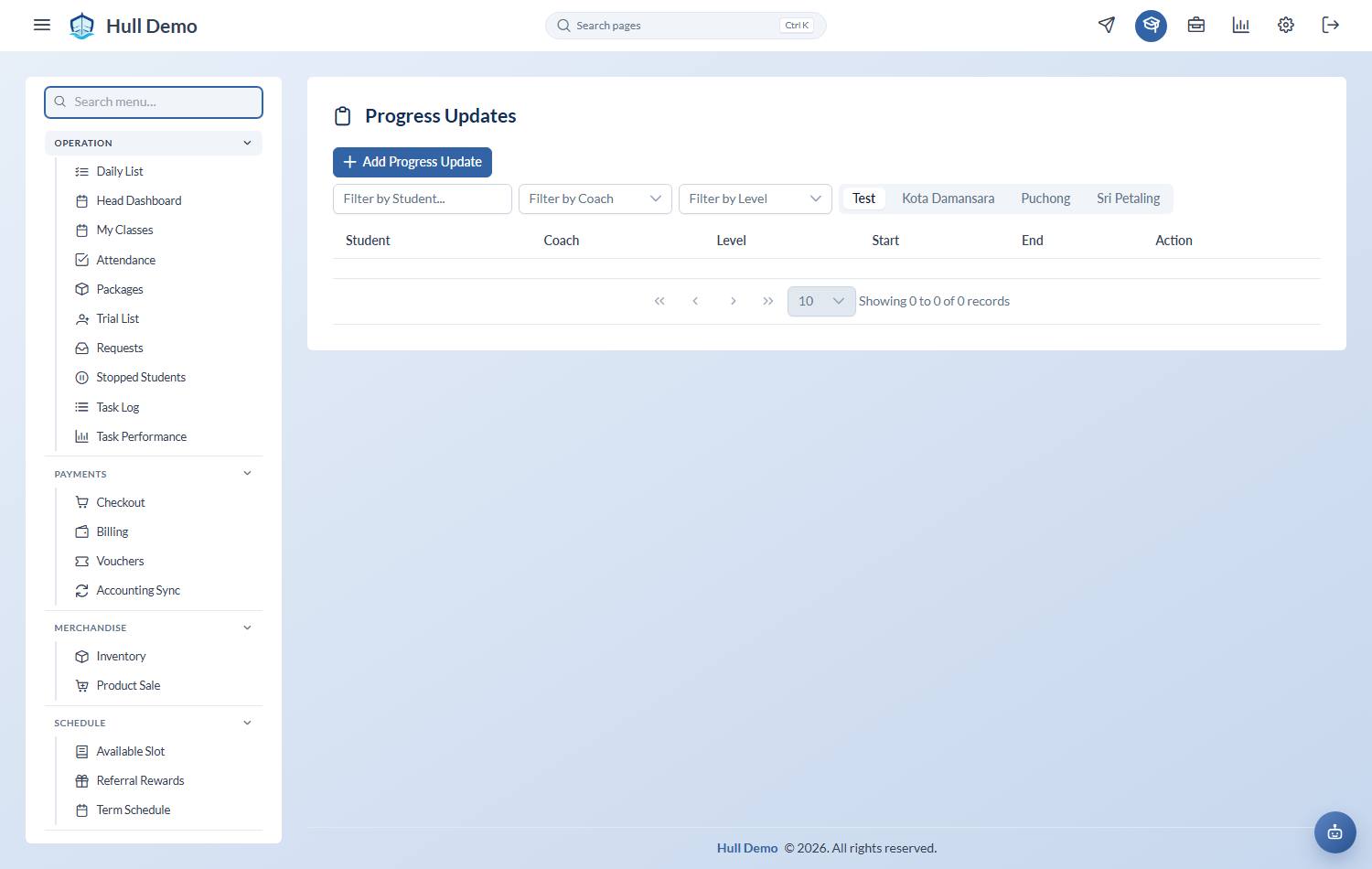
1. Open Progress Updates
Student Progress → Progress Updates, then Add Progress Update.
2. Fill it in
- Student and the period the update covers.
- Level they are working at.
- Remarks — the update itself.
3. Write something specific
The difference between an update a parent values and one they ignore is entirely in the detail:
- Weak: "Good progress this term, keep it up."
- Strong: "Aisyah's kick has come on a lot — she can now manage a full width unaided. Next we're working on breathing to the side, which is the last skill before her Level 3 assessment."
Name what improved, name what is next, and name what it unlocks. It takes an extra sentence and it is the sentence the parent repeats to their spouse.
What the parent gets
Updates are visible to the parent in their portal, and can be exported as a PDF — either from the update itself or from the child's profile, where PDF produces the progress report.
Related: Tick off a skill · What parents can see and do.