
Map your packages to your accounts把配套对应到会计科目
Tell the system which revenue account and tax code each package belongs to. Nothing syncs until you do.告诉系统每种配套属于哪个收入科目与税码。没设好之前,什么都同步不了。
这篇指南的正文目前只有英文版。标题、摘要与导览已翻译;内文仍在翻译中。
Your accounting system needs to know what each sale *is*. This is where you tell it, once per package.
1. Open the list
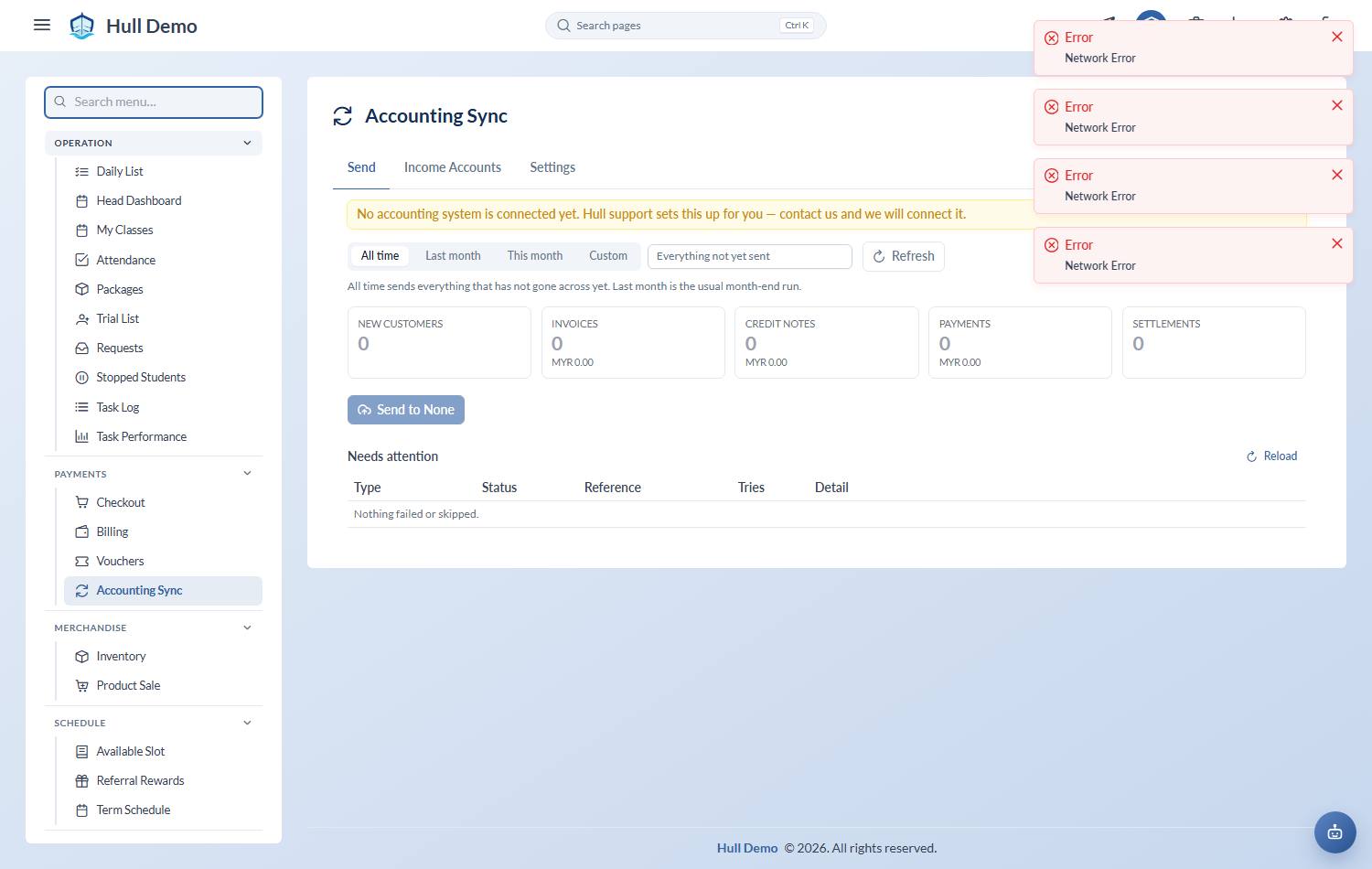
Payments → Accounting Sync → Income Accounts. Everything you sell is listed down the left, with a Default row at the top.
2. Pick an income account for each
The dropdown shows the real accounts from your own chart, by name — things like *500-0200 · TUITION FEES RECEIVED*. You are choosing from your accountant's list, not typing a code you had to look up somewhere else.
Start with the Default row: pick the account most of your sales belong in. Everything else can stay on Use the default until you have a reason to split it out.
Then override only what genuinely belongs elsewhere — registration fees, say, or merchandise. Save each row as you change it.
3. Items, if you want them
The second column is optional. Leave it on Not itemised and the sale still posts correctly against its income account — the invoice line keeps its description either way.
Fill it in if you want each package to show as a named item in your accounts. The item has to already exist on their side, so if it does not, press the + next to the dropdown and Hull will create it for you.
What happens if one is missing
A package with no income account anywhere fails that document only, and names the package in the reason. Everything else in the run still goes.
This is deliberate. The alternative — dropping unmapped revenue into a catch-all account — produces accounts that look complete and quietly misstate what you sell.
Keeping it tidy
If your accountant reorganises the chart of accounts, come back here. These choices are the join between your product list and their structure, and nothing else will notice that it has moved.
If your accountant numbers documents their own way
Sales and receipts can carry your accountant's own document numbers instead of Hull's — the branch-letter-and-month series many Malaysian academies have used for years. It is a per-academy setting with a live preview, and blank keeps Hull's own numbering. Worth settling before the first real sync, because the number is fixed when a document is issued and never changes afterwards. See The money documents.
Related: Connect your accounting system · Send your invoices to your accounts · Set up your package types.