
Set up your package types设定配套类型
The products you sell — how many classes, for how long, with which rules. Most billing questions are decided here.你要卖的产品——多少堂、多长期限、什么规则。大多数收费上的问题都在这里定下来。
这篇指南的正文目前只有英文版。标题、摘要与导览已翻译;内文仍在翻译中。
A package type is a product in your catalogue. Almost every "why can't I do this?" question at the counter traces back to a decision made on this screen.
Where
Settings → Package Types — the cog in the top bar — then Add package type.
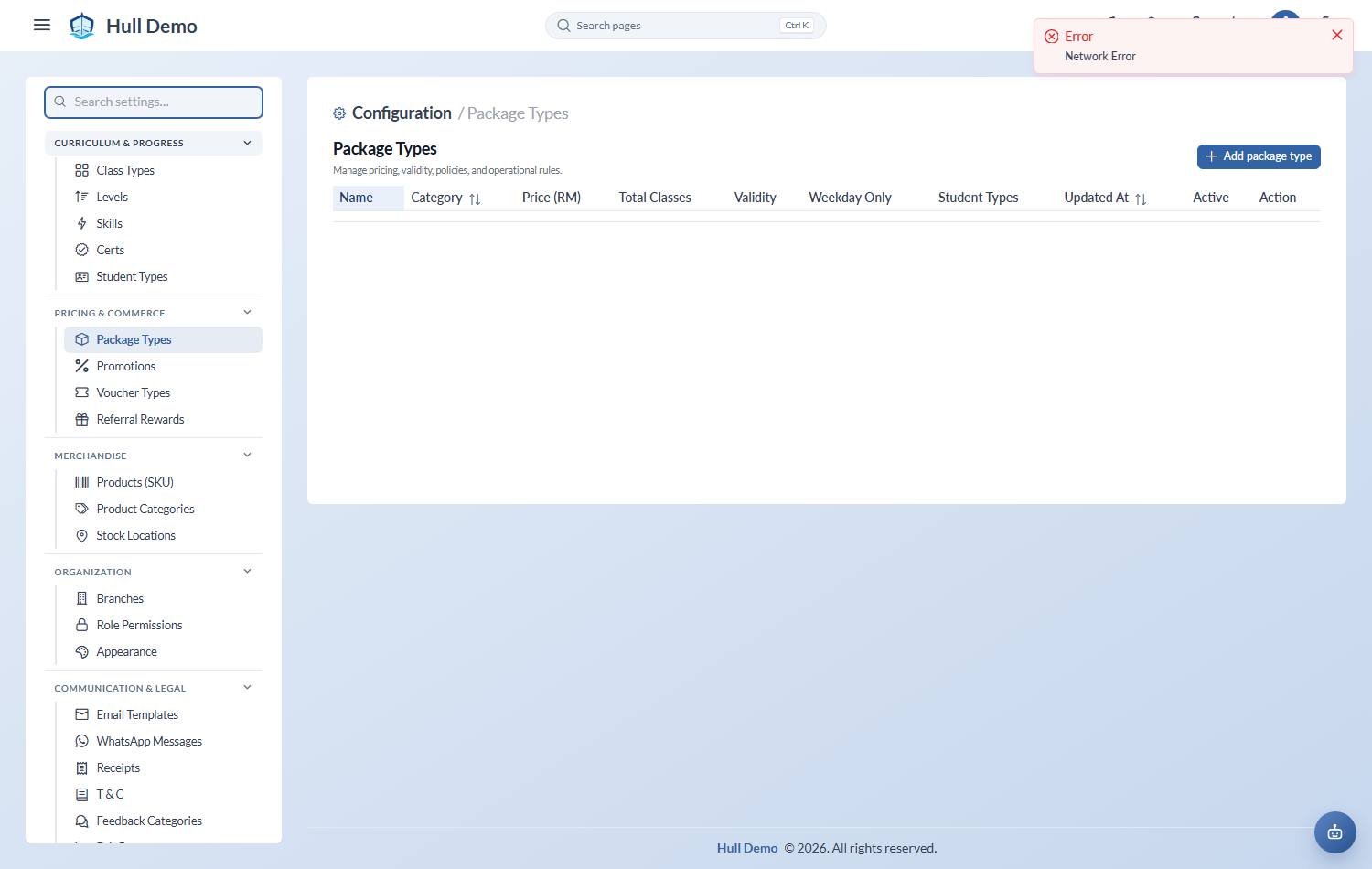
The basics
- Name — what staff pick at checkout.
- Receipt Name — what the parent sees on their receipt, if it should read differently.
- Category — how the package behaves. Credit-based (a pool of classes), class-based, term, monthly, time-based, or trial.
- Total Classes — how many the family gets.
- Price (RM) — the catalogue price, before tax.
- Validity — how many days it lasts, counted from the first attended class. At least 1 — a validity of zero says "expires the moment it starts", and the system now refuses it. Only credit-based, class-based and trial packages read this number: a term takes its window from the term schedule, and a monthly from the dates picked at checkout, so on those two the field is ignored.
- Student Types — which segments it may be sold to. You can name several, or leave it empty to mean *any* — so one "10 Class Pack" can serve children and adults instead of needing a near-identical copy per segment. This is what filters the list at checkout.
- Weekday Only — whether it can be used at weekends.
- Active — whether it can still be sold. Retiring a product means deactivating it, never deleting it: sold packages must keep their type.
The rules that cause the questions
These decide what staff can do afterwards, so set them deliberately:
- Freeze allowed, and the maximum days — whether this package can be paused.
- Extension allowed — whether its expiry can be pushed out.
- Replacement allowed, and whether it needs approval — make-up classes.
- Burn on absence — whether a missed class costs a credit by default.
- Can change enrollment — whether the family can move class.
- Multiple classes per week — whether one package can fund two seats.
- Max students — more than one makes it a family package, shared between siblings from one pool.
- One per student — for trials and welcome offers that should not repeat.
Term and monthly packages
A term package binds to a term schedule — the fixed set of dates the term runs — so its start and expiry come from the term rather than from whoever keyed the sale. Set the term up first: Term schedules.
Advice on the catalogue itself
Keep it small. Every extra product is another thing to price, map to your accounts, explain to staff, and get wrong at the counter. Most academies need fewer package types than they think — three or four shapes, sold to different segments, rather than twenty near-identical ones.
Who changed the price, and when
Open any package type to edit it and the dialog shows a Price & Terms History panel: every change to the price, the number of classes or the validity — when, from what, to what, and by whom — newest first. It is written at the same moment as the change, so it cannot be edited or lost.
It answers the question a bookkeeper asks in March about a September figure: past invoices never move, so *this* is where you see that the catalogue price went from RM 480 to RM 520 on the 14th and who did it. History starts from the next save — a type that has never been edited since this arrived shows nothing yet.
Related: Sell a package · Set up your student types · Map your packages to your accounts.