
Move a child to another class把孩子转到别的班
A family wants a different day, or a child has outgrown their group. Close the old seat and open a new one.家庭想换一天,或孩子已经不适合原来的组。关掉旧座位,开一个新的。
这篇指南的正文目前只有英文版。标题、摘要与导览已翻译;内文仍在翻译中。
Moving a child is two things happening at once: they give up one seat and take another. The system records both, which is why the history stays honest.
1. Find the class with room
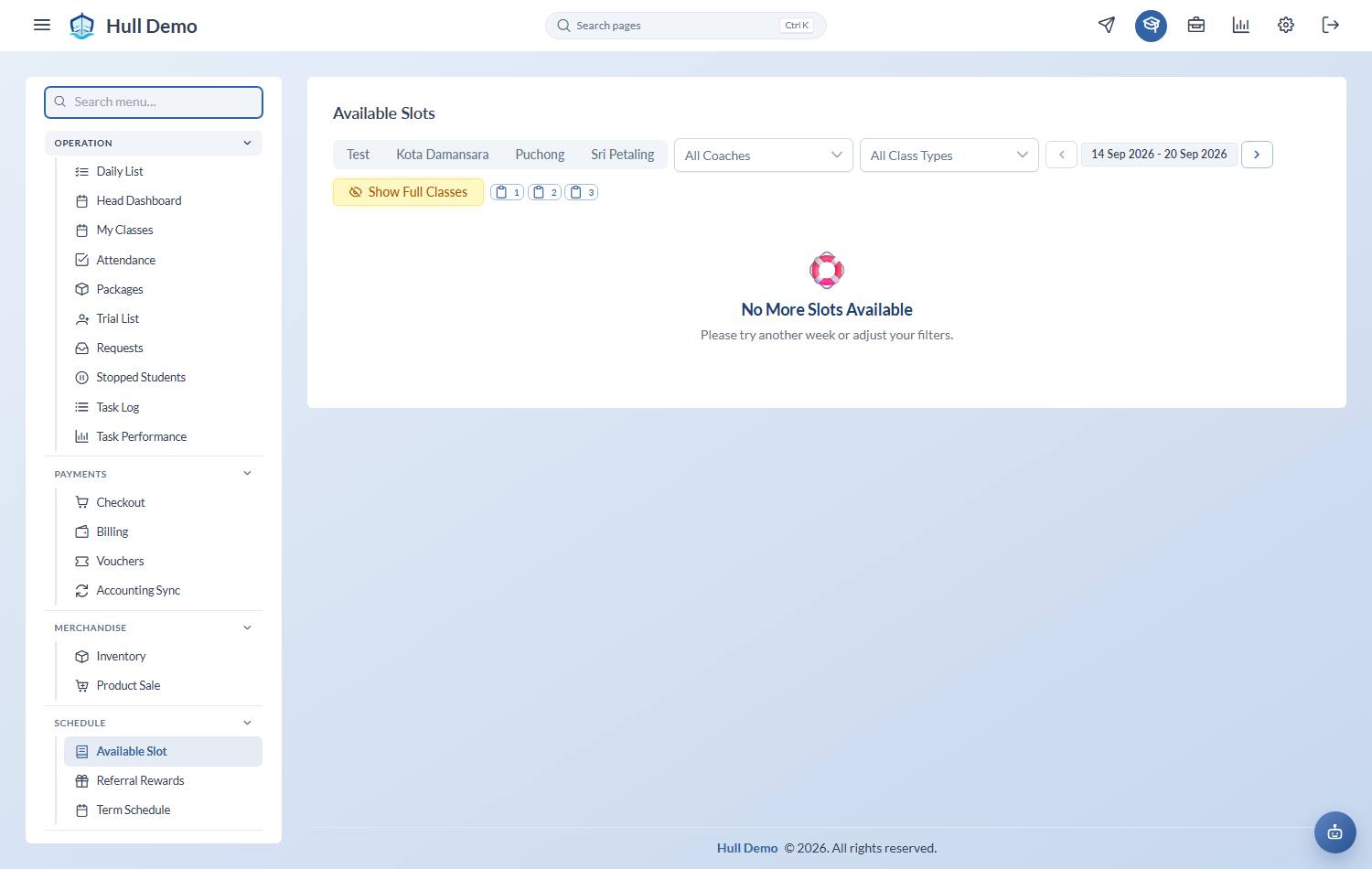
From the student's profile, open the slotting screen and find the class you are moving them to. Check it has space before you touch the current booking — nothing is more awkward than closing a seat you cannot replace.
2. Slot them into the new class
Pick the class, choose the package that will fund it, and slot the student in, exactly as for a new booking.
3. End the old booking
Back on the student's profile, find the old booking and choose End.
There are two ways off a class and they mean opposite things. Both confirmations now spell out the date and which day is kept, so read the sentence rather than working from the button:
| Where you click | The date you pick |
|---|---|
| End, on the student's profile | Their last class — they still attend that day |
| Remove, from the register on the day | The first day they are gone — they come off that day's register immediately |
Use Remove on the register when someone has been added to today by mistake. Use End on the profile when a child is leaving after a known last session.
The same wording runs through packages: an expiry date is labelled *last day usable*, and it means what it says — the student can still attend that day.
The seat closes and returns to sellable capacity straight away, so somebody else can take it.
What the family sees
- Their credits are untouched. Credits belong to the package, not to the class.
- Their "in this class since" date restarts, because it is genuinely a new seat.
- Attendance already recorded against the old class stays where it is.
Moving a whole class
If an entire class is changing day or time, change the class rather than moving each child. Everyone keeps their seat.
Related: Book a child into a class · Packages, credits and seats.