
Record the day's enquiries and spend记录当天的询问与花费
Two numbers a day — enquiries and what you spent — turn the rest of the funnel into real cost-per-customer figures.每天两个数字——询问数与花费——就能把后面整条漏斗变成真实的获客成本。
这篇指南的正文目前只有英文版。标题、摘要与导览已翻译;内文仍在翻译中。
Most of your funnel is counted automatically: trials booked, trials attended, sign-ups, sales. Two things are not, because only a human knows them — how many people enquired, and what you spent to make them.
1. Open Daily Marketing
Marketing Data → Daily Marketing, then Add Record for the day.
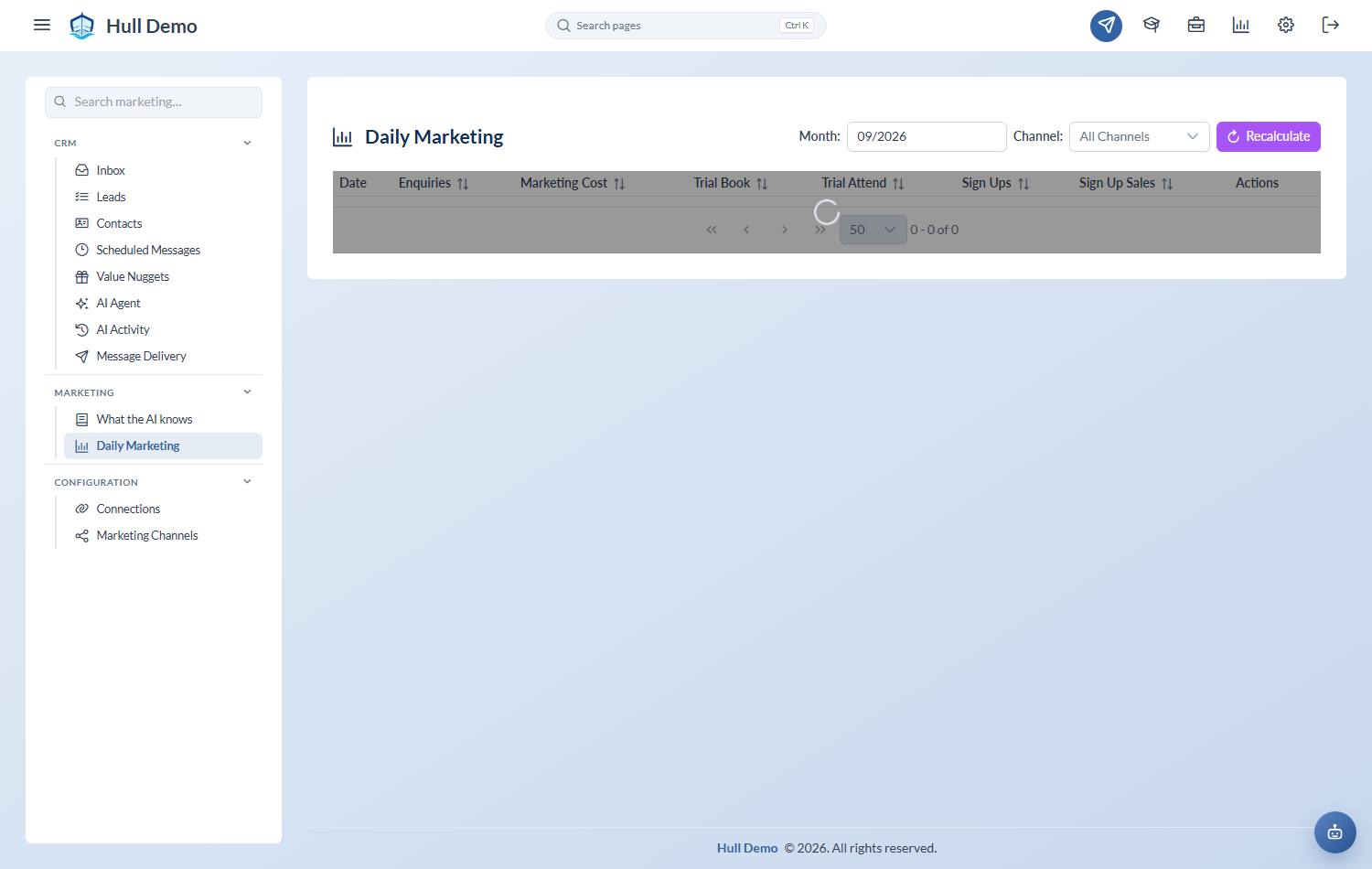
2. Enter enquiries per channel
Most of this now fills itself in. A new customer who opens a chat on one of your enquiry lines is counted automatically, on the day they messaged, against the channel that brought them — so what you type is the enquiries that arrived any other way: a walk-in, a phone call, a name passed at the pool gate.
A number you type always wins over the counted one, so you can still correct a day outright.
The people icon on each day lists everyone who counted and everyone who did not, with a button to fix either — that list is worth a minute a week. See Know where your enquiries come from.
Be consistent about what you add by hand. A "genuine enquiry" should mean the same thing in January as in June, or the trend is noise.
3. Enter the marketing cost
What you actually spent that day. Ad spend, boosted posts, flyers, the fee for a booth at an event.
4. Leave the rest alone
Trials booked, trials attended, sign-ups and sales are derived from what actually happened in the system. They fill in themselves, and Recalculate refreshes them for a day or a range if something was entered late.
Making it a habit
Do it daily, at the end of the day. Reconstructing a month of enquiry counts at month-end produces a number that looks precise and is not — and it is precisely the number you will use to decide next month's budget.
Related: Read the marketing dashboard · Book a trial.