
What parents can see and do家长能看到什么、能做什么
The family's own view of your academy. Knowing what is in it saves the front desk a lot of phone calls.家庭视角下的你的学院。知道里面有什么,前台可以少接很多电话。
这篇指南的正文目前只有英文版。标题、摘要与导览已翻译;内文仍在翻译中。
Parents have their own login, separate from staff, to a portal showing their own children. Most "can you check for me?" questions can be answered by pointing them at it once.
What they see
- Their children's classes — one card per class, for the child they have selected at the top of the page.
- Progress — assessments, levels, skills, and the progress updates their instructor wrote, downloadable as a PDF.
- Packages and balances — what they bought and how many classes are left.
- Payment history and receipts — every payment, with the receipt to download.
- Announcements — the news you publish, and academy events.
What they can do
- Book, cancel and arrange replacement classes — within the rules of the package they hold, which is why two families may see different options.
- Sign the academy's terms and conditions digitally.
- Register and reset their own password.
- Save their child's assessment videos from the progress page.
- Tell you what they think, under Profile — where your academy has parent feedback switched on. See Hear what parents really think.
Two details worth knowing when a parent rings the desk:
- Seats are counted for the exact date they tapped. The booking screen shows a fortnight, so it holds two of every weekday, and the two Mondays can differ. A day your academy is closed is simply not offered.
- When a booking or cancellation cannot go through, the screen says why — the class is full, the package has run out — right where they are looking, instead of quietly doing nothing.
What they cannot do
They cannot pay online. Payments are still recorded by staff at the counter or against a bank transfer, so an invoice a parent can see is not an invoice they can settle themselves.
They also cannot see other families, other children, or anything about your staff.
Helping a parent who cannot get in
- They log in with their email address, not a phone number, and not the same credentials as anything staff use.
- Their password has to hold up. Parents are held to the same rules as your staff now — at least eight characters, upper and lower case, and none of the obvious ones. A family setting a new password is told exactly what is missing rather than just being refused.
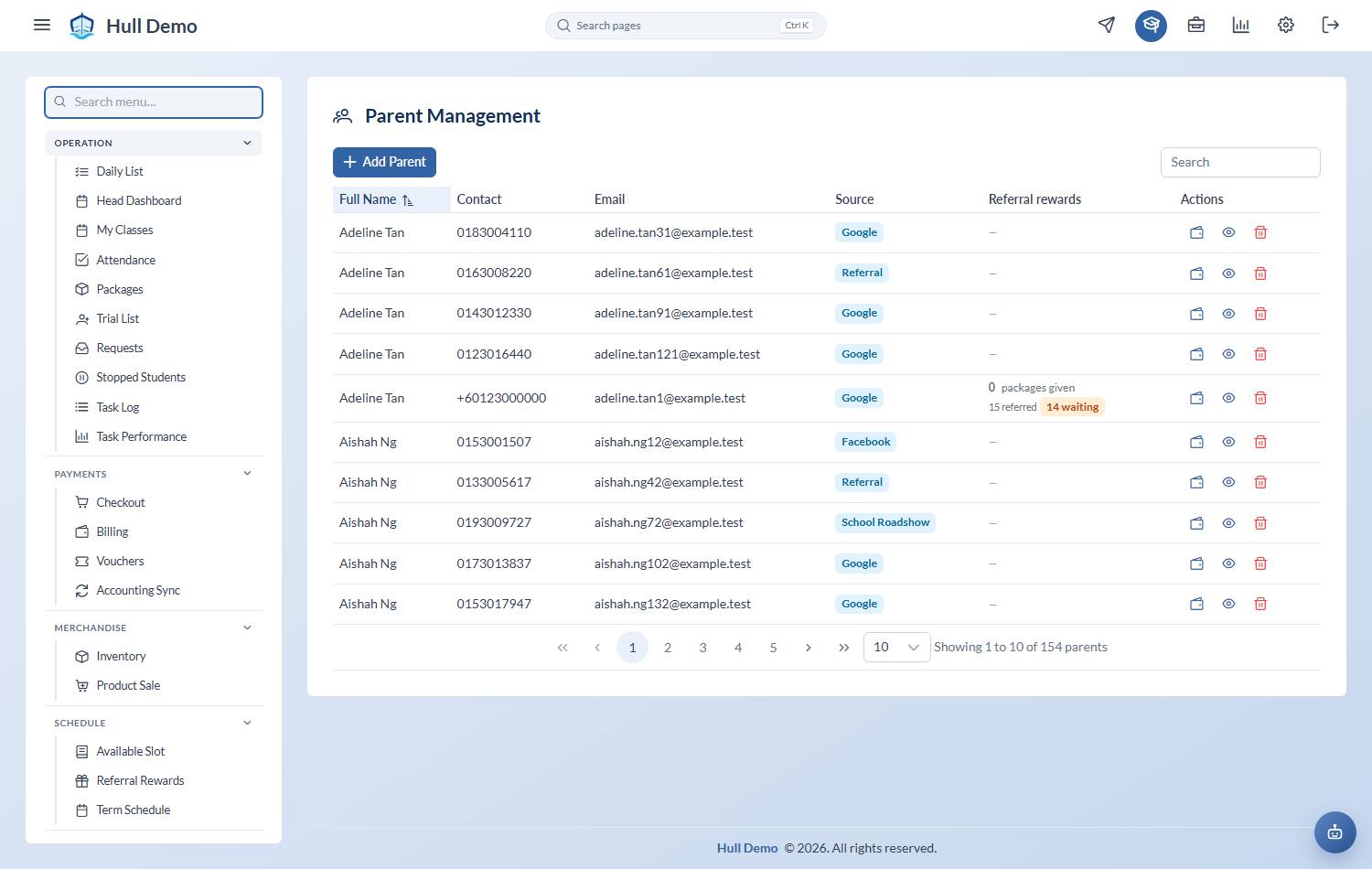
- If the email on their record is wrong, fix it under Management → Parents — that is the address the portal and every receipt uses.
- They can reset their own password from the login screen.
Why it is worth pushing
Every question a parent answers themselves is a call your front desk does not take. Progress and receipts are the two things they ask about most, and both are in there.
Related: Write a progress update · Find an invoice or receipt · Publish an announcement to parents.