
Apply for leave申请休假
Pick the first and last day, attach an MC if you have one, and watch the balance that is left.勾选你要请的日子,附上病假单,随时看到还剩多少天。
这篇指南的正文目前只有英文版。标题、摘要与导览已翻译;内文仍在翻译中。
HR → My Leave shows what you have left and what you have taken. Apply from the same screen.
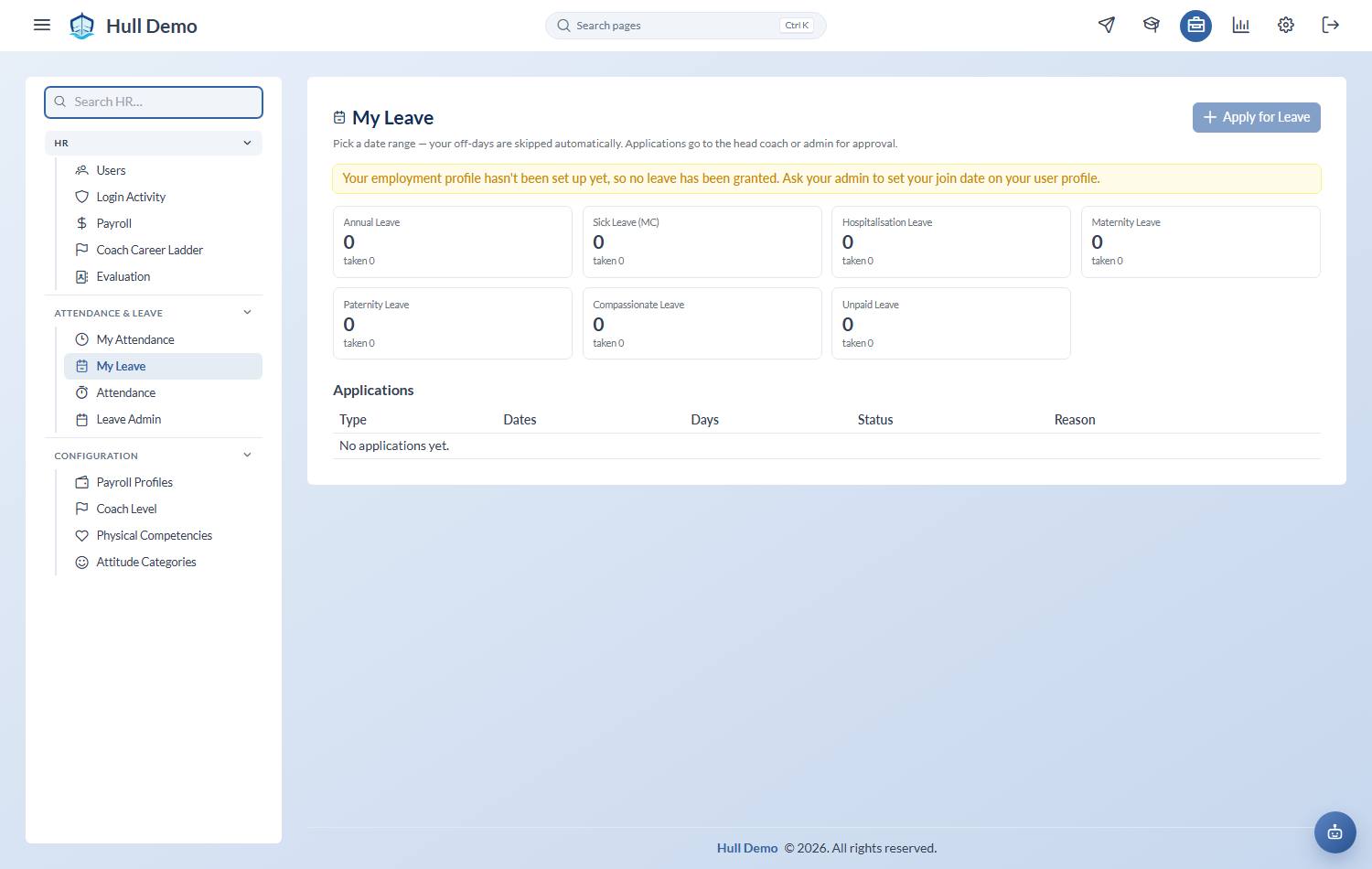
1. Pick the first and last day
The form takes a range — *first day → last day* — and works out which of those days actually cost you leave. Days you were never working are skipped: your own off-days, from the work schedule your academy has you on, and public holidays at your branch.
This is what changed. It used to make you tick every date individually, because academy staff have unusual off-days — weekends are the busy part of the week here — and a plain Friday-to-Monday range would have swallowed days you were not working. Now the system knows your schedule, so it can take the range and do that subtraction itself.
Any day in the range can still be dropped to a half day.
2. Pick the type
Your academy sets its own list. A typical one has annual leave, medical leave, emergency leave, unpaid leave and replacement leave — the day you are owed for having worked a public holiday.
Which types you can pick, and how many days you get, depend on your leave category. Academies do not give everyone the same deal — a full-time head coach and a weekend part-timer are not on the same terms — so the types are set per category, and you are in one of them. If a type you expected is missing, it is not available on your category rather than gone from the system.
Notice, and what happens if you are late
A type can carry a minimum notice — *three days for annual leave*, say. Apply later than that and one of three things happens, depending on what your academy chose for that type:
| Block | The application is refused. Ask your head coach instead |
| Convert to unpaid | It goes through, as unpaid leave |
| Flag | It goes through as normal, marked for the approver to see |
Notice is judged per date, not on the application as a whole — so a range that starts tomorrow and ends in a fortnight is short notice for its first days and fine for the rest.
3. Attach the MC
Medical leave takes an attachment. Photograph or scan it and add it to the application — it goes with the record rather than into someone's WhatsApp.
4. Send it
One person decides: your head coach or the owner. There is no chain of approvals to wait through.
You will see the application move from pending to approved or rejected on the same screen. You can cancel one you have sent while it is still pending.
Reading your balance
The balance is not a number somebody types. It is the sum of everything that happened to it — what you were granted, what you took, anything adjusted by hand, anything carried forward. Each line says what it was and why, so a balance you disagree with can be traced rather than argued about.
Entitlements run January to December. What happens at the turn of the year depends on the type and your category: some carry forward, with a cap and a date the carried days lapse on; the rest do not. A first year is often pro-rated from your join date rather than granted whole.
Related: Clock in and out · Approve leave.