
See who stopped, and why谁停了课、为什么
Churn as a report rather than a rumour — how many left, from which branch, and what they told you.把流失变成报表而不是传闻——走了多少人、来自哪个分行、他们怎么说。
这篇指南的正文目前只有英文版。标题、摘要与导览已翻译;内文仍在翻译中。
Every academy owner has a theory about why families leave. This is how you find out whether it is true.
The count: how many, and which way
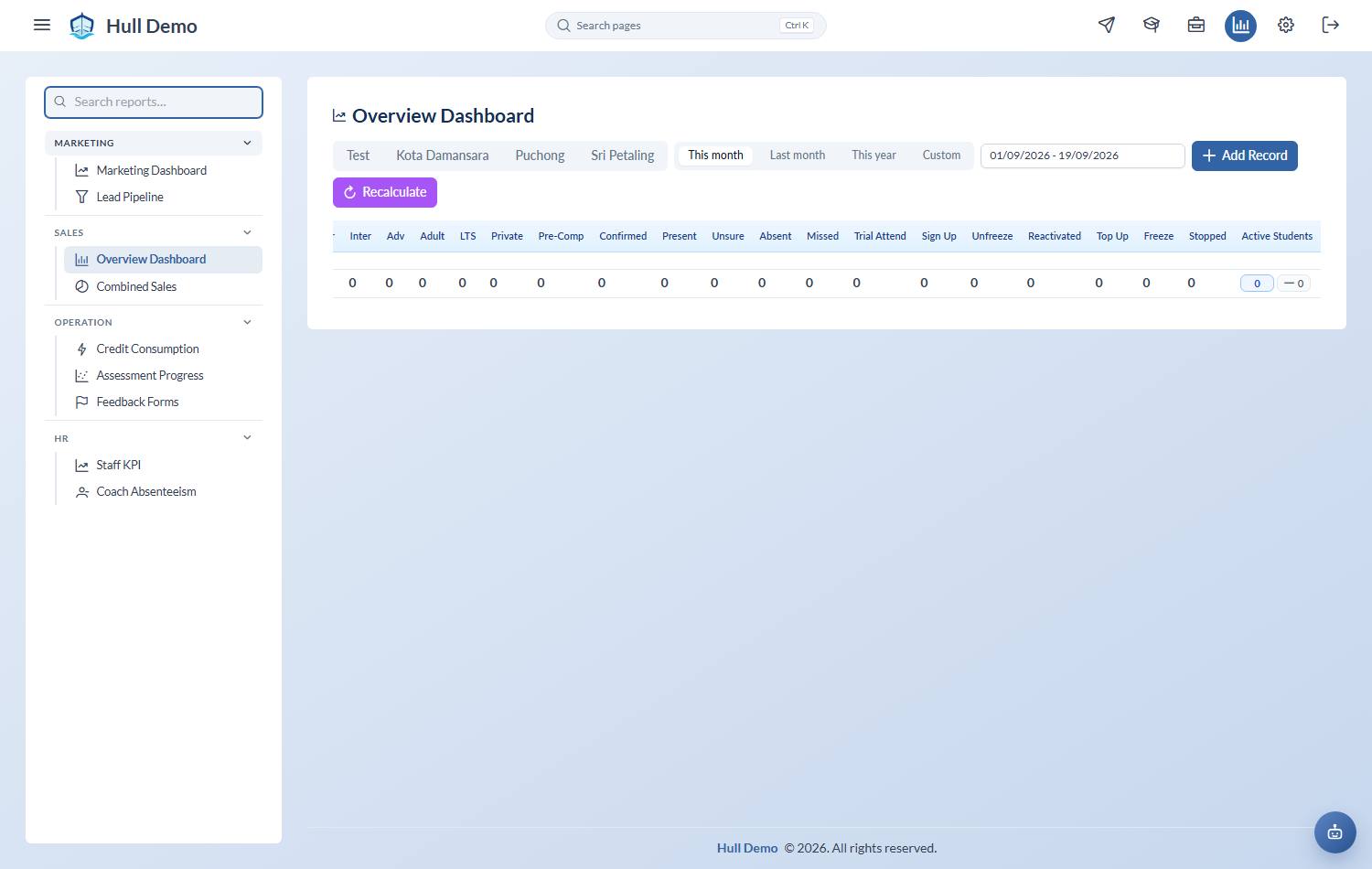
The Overview Dashboard gives you, per branch and per day, the students who Stopped, went into Freeze, and came back as Reactivated or Unfreeze.
The comparison that matters is reactivated against stopped. More coming back than leaving is a business growing on retention; the reverse is one filling a leaking bucket with marketing spend.
The list: who they were
Operation → Stopped Students is the roll call — when they joined, when they stopped, and the remarks staff left. Look at how long they lasted, not only how many there were. Losing families at three months is a different problem from losing them at two years.
The reasons: what they told you
Reports → Feedback & Retention, second tab. Every stop carries a reason picked from your own list, so this tab can do what a pile of notes never could: reasons by count and by share, then the same split by branch, by coach and by level. Export it as a spreadsheet when someone asks for the numbers.
Pick which exit you are reading. The tab has a selector — Stopped, Trial declined, Freeze, or All exits — and its wording follows it, so a count of trial declines is never labelled "students stopped". Trial declines are worth a look on their own: an academy can lose as many families at the trial as it loses paying students, and until now those reasons were free text nobody could add up.
Stops and declines carry a score too. Each one recorded the five ratings at the moment of leaving, so "left over coaching" can be read against how coaching was actually rated — by the families who left, not only the ones who stayed.
Stops the system closed on its own are counted on their own line, so a quiet lapse never masquerades as a complaint.
The first tab is something different — how your *current* families feel about you, from the feedback they submit in their portal. See Hear what parents really think. Read the two together: a branch with low ratings this quarter is usually the branch with the stops next quarter.
The early warning
By the time someone is on the stopped list you have lost them. Two signals appear earlier:
- Stagnation — a long gap since their last assessment pass. See Spot students who have stalled.
- Falling attendance — a present rate drifting below the level you would expect.
Together they identify families worth a conversation while there is still something to save.
Related: Stop a student · Read the Overview Dashboard · The student lifecycle.