
See who is in class today看今天谁上课
Open the day's list, switch between a day, a week or a month, and spot a package that is about to run out.打开当天名单,在日、周、月之间切换,并留意快要用完的配套。
这篇指南的正文目前只有英文版。标题、摘要与导览已翻译;内文仍在翻译中。
The Daily List answers the question you get at the counter twenty times a day: is this child booked in, when, and with which coach.
1. Open the Daily List
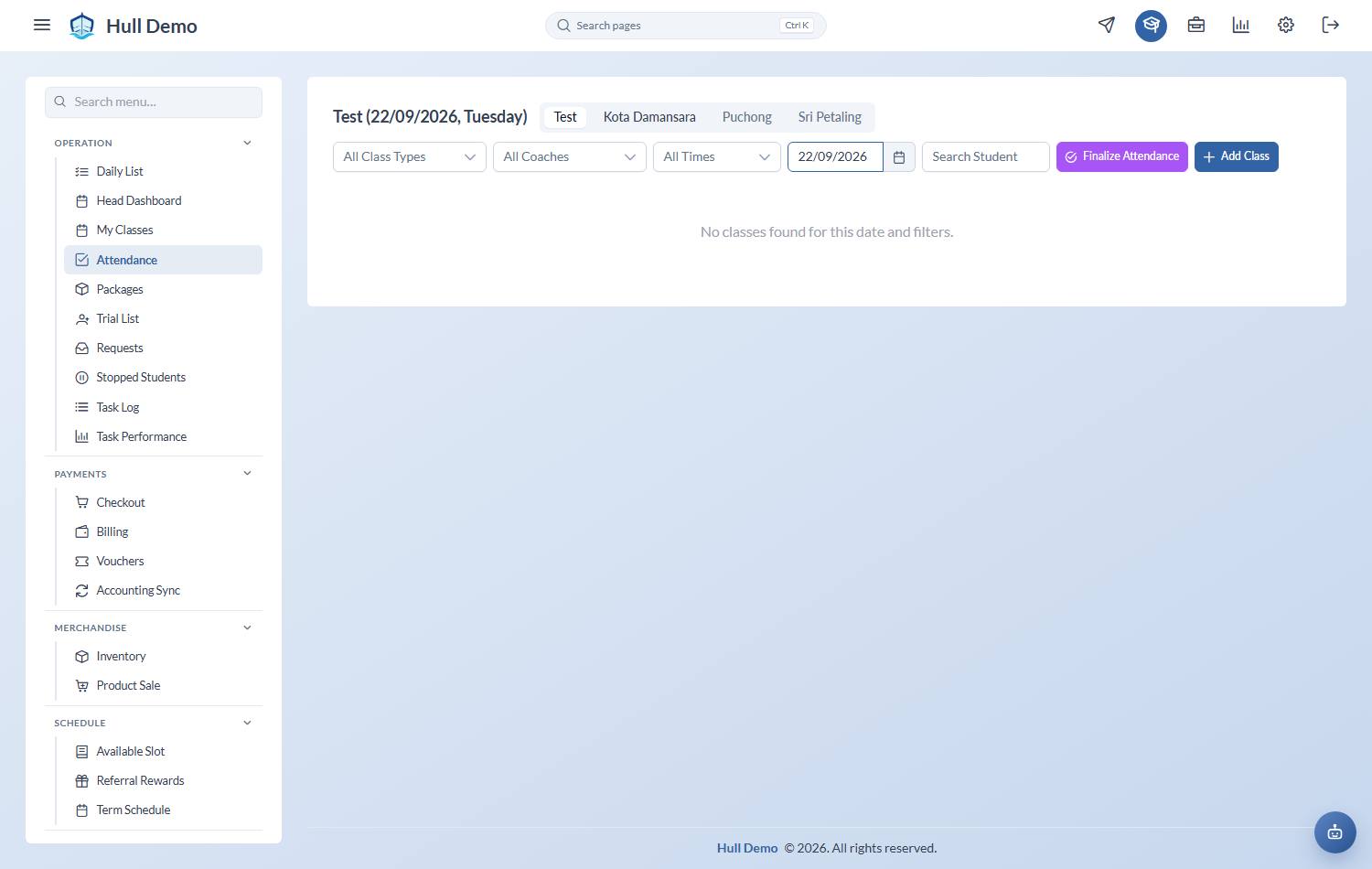
From the sidebar, Operation → Daily List.
2. Choose the period
Three buttons at the top switch between Daily, Weekly and Monthly.
- Daily — today's classes. This is the one you want at the counter.
- Weekly — the week ahead, useful for planning cover.
- Monthly — the shape of the month.
3. Narrow it down
- Branch — pick the branch you are standing in.
- Select Date — jump to any day.
- All Statuses — show only the children who are, say, still Unsure.
- Search student — type part of a child's name.
4. Read the row
Each row is one child in one class:
- Class Time and Coach — where to send them.
- Status — how their attendance is currently marked.
- Class Left — how many credits remain on the package paying for that seat.
- Expiry — when that package runs out.
Class Left showing 1 or 0? That family is about to need a renewal. This is the easiest place in the system to catch it before the child turns up and there is nothing left to charge.
Related: Take the register · Attendance statuses explained · Work today's follow-up list.