
Confirm the day's attendance确认当天的出席
Marking attendance is only half of it. Until a day is finalised, it counts for nothing — not in your numbers, not in payroll.点名只做了一半。一天没有结算之前,它什么都不算——不算进你的数字,也不算进薪资。
这篇指南的正文目前只有英文版。标题、摘要与导览已翻译;内文仍在翻译中。
Coaches mark attendance. Someone senior confirms it. Only confirmed attendance counts anywhere that matters, so this is a daily habit, not an occasional tidy-up.
Not every academy does this. Finalising each day is a setting. If your academy has it switched off, there are no Finalize buttons and no Confirmed column — every mark counts as soon as it is taken, and this guide does not apply to you. See Attendance statuses explained. If you can see the buttons, it is on, and the rest of this page is your job.
1. Open Attendance for the day
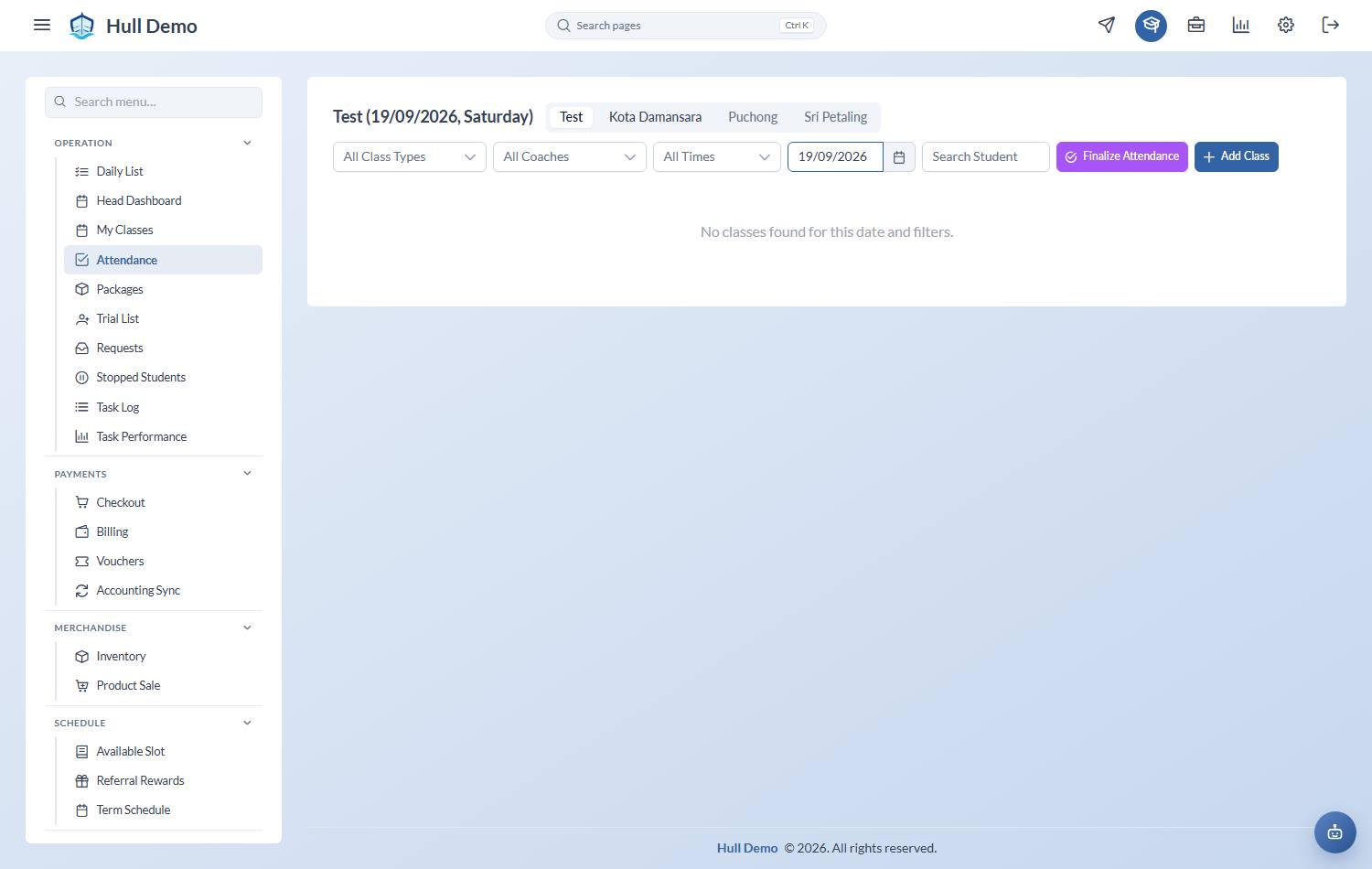
Operation → Attendance. Set the Select Date to the day you are confirming, and use All Branches, All Class Types, All Coaches and All Times to narrow to the group you are responsible for.
2. Check the marks make sense
Look for two things before finalising:
- Anyone still unmarked or Unsure. Unsure means the coach was not certain. It behaves as an absence but it is really a question — chase it now, while someone still remembers.
- Anyone marked Missed. Missed charges the family for a class they did not attend. It is the right answer for a late cancellation or a no-show, and the wrong answer for anything else. See Attendance statuses explained.
3. Choose Finalize Attendance
This confirms every mark for that branch and date at once.
Made a mistake? Undo Finalize puts the day back to unconfirmed so you can correct it, then finalise again. Do it promptly — a locked payroll month will not pick up a correction made after the fact.
Why it matters
- Your dashboards read confirmed attendance only. An unfinalised day looks like a day nobody turned up.
- Present rate is present ÷ confirmed. Leaving days unconfirmed does not just lose data, it distorts the ratio. Below 75% is the level worth investigating.
- Coaches are paid on confirmed attendance. A class taught but never finalised does not appear on a payslip.
Confirm daily, not monthly. Payroll, dashboards and follow-up tasks all read the same figures, so a week of unconfirmed days is a week of wrong answers everywhere at once.
Related: Take the register · See who is in class today · Check the month's payroll.