
Log a conduct incident记录一次表现事件
Record something a staff member did well, or badly. Negative entries delay a promotion until they are served.把员工做得好或做得不好的事记下来。负面记录会推迟晋升,直到期满。
这篇指南的正文目前只有英文版。标题、摘要与导览已翻译;内文仍在翻译中。
Conduct is recorded against a staff member as attitude entries — positive or negative — drawn from the categories your academy has set up. They are not just notes: negative entries actively hold up a promotion.
1. Open the staff profile
Management → Users, open the person, and find the Attitude section.
2. Log the incident
Log Attitude, then fill in:
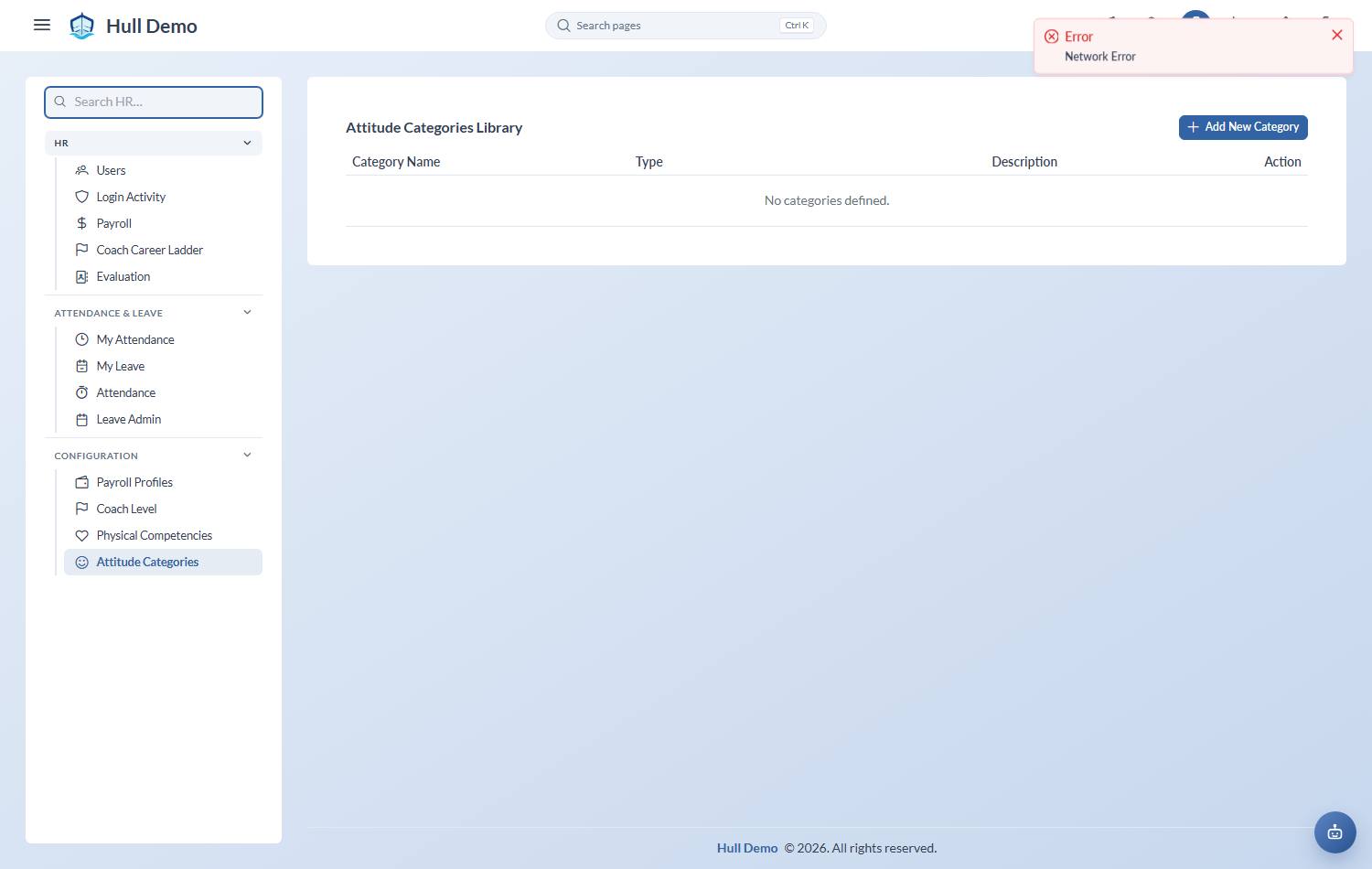
- Category — from your academy's list, which is set up under HR → Configuration → Attitude Categories.
- Occurrence Date — when it actually happened.
- Remark — what happened, factually. This is an employment record; write it as though the person will read it, because they may.
The person reporting it is recorded automatically.
3. Understand what a negative entry does
A negative entry is a time-bounded penalty. While it is active, it delays that person's progression up the career ladder. Once its period has passed it is marked as served, and it stops holding them back.
That is deliberate: conduct and career are one system, so a coach who meets every technical criterion but treats colleagues badly does not advance automatically.
Log the positive ones too
A record containing only complaints is not a record of conduct, it is a record of complaints. Positive entries cost nothing to log and make the negative ones credible.
Related: Evaluate a coach · The coach career ladder.