
Read the Overview Dashboard看懂总览仪表板
Attendance, sign-ups, top-ups and freezes for a branch, day by day, over any range you pick.某个分行的出席、报名、加购与冻结,逐日呈现,区间自己选。
这篇指南的正文目前只有英文版。标题、摘要与导览已翻译;内文仍在翻译中。
The Overview Dashboard is the day-by-day picture of a branch: who attended, who signed up, who topped up, and who paused.
1. Open it
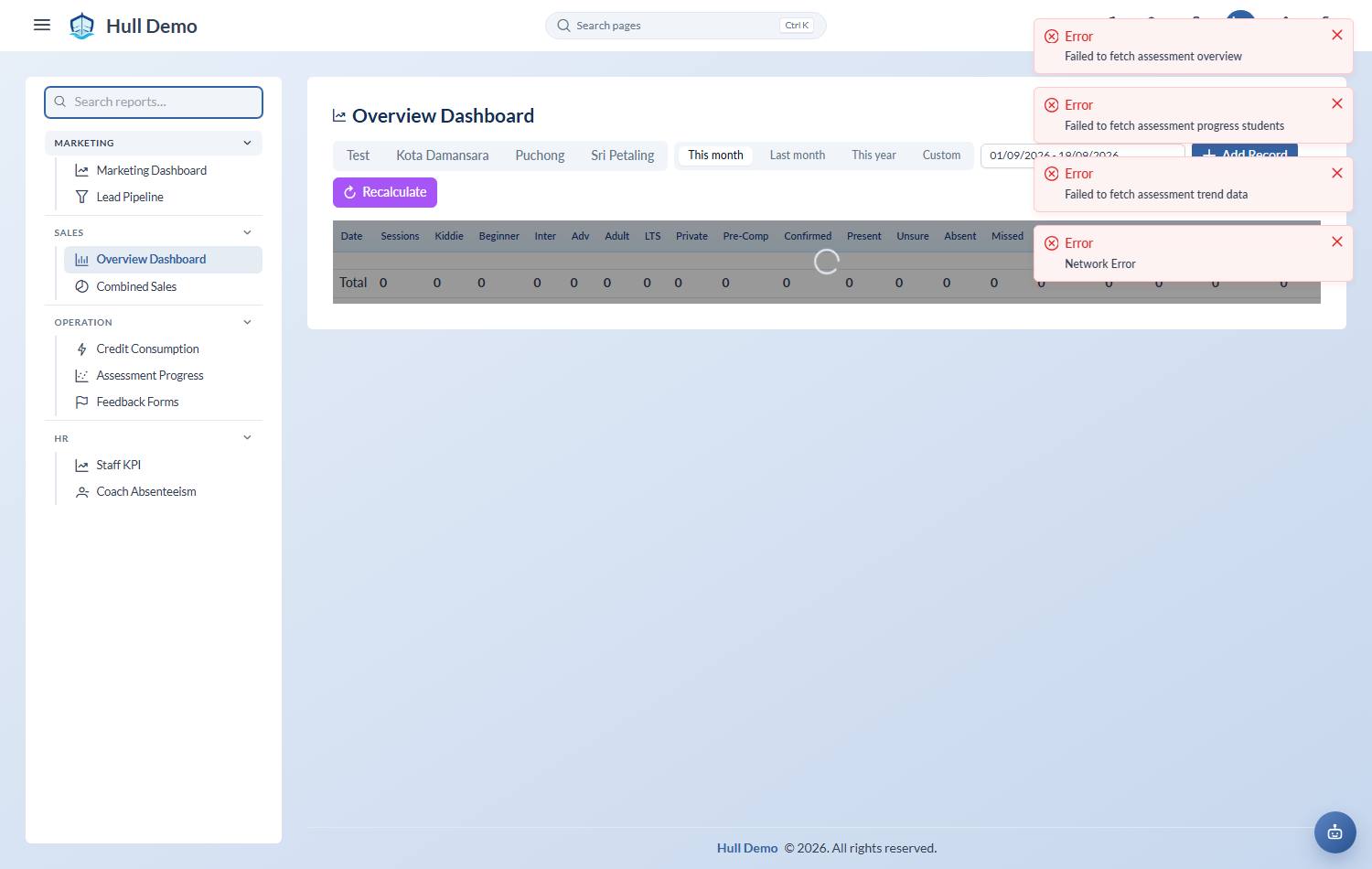
From the sidebar, Reports → Overview Dashboard.
2. Pick a branch and a date range
Each branch is reported separately — pick the one you want along the top.
3. Read the table
One row per day. The columns fall into three groups:
Who was booked, by class type — Kiddie, Beginner, Inter, Adv, Adult, LTS, Private, Pre-Comp. These are the sessions that ran and how they were made up.
What actually happened — Confirmed, Present, Unsure, Absent, Missed. Confirmed is the number of marks that have been finalised for the day, which is why a very recent day can look empty: the register has not been closed yet. If your academy does not finalise days, the Confirmed column is not shown and nothing waits — a mark counts the moment it is taken.
What changed commercially — Trial Attend, Sign Up, Top Up, Unfreeze, Reactivated, Freeze. This is the row to read for how the month is trending: sign-ups and top-ups against freezes.
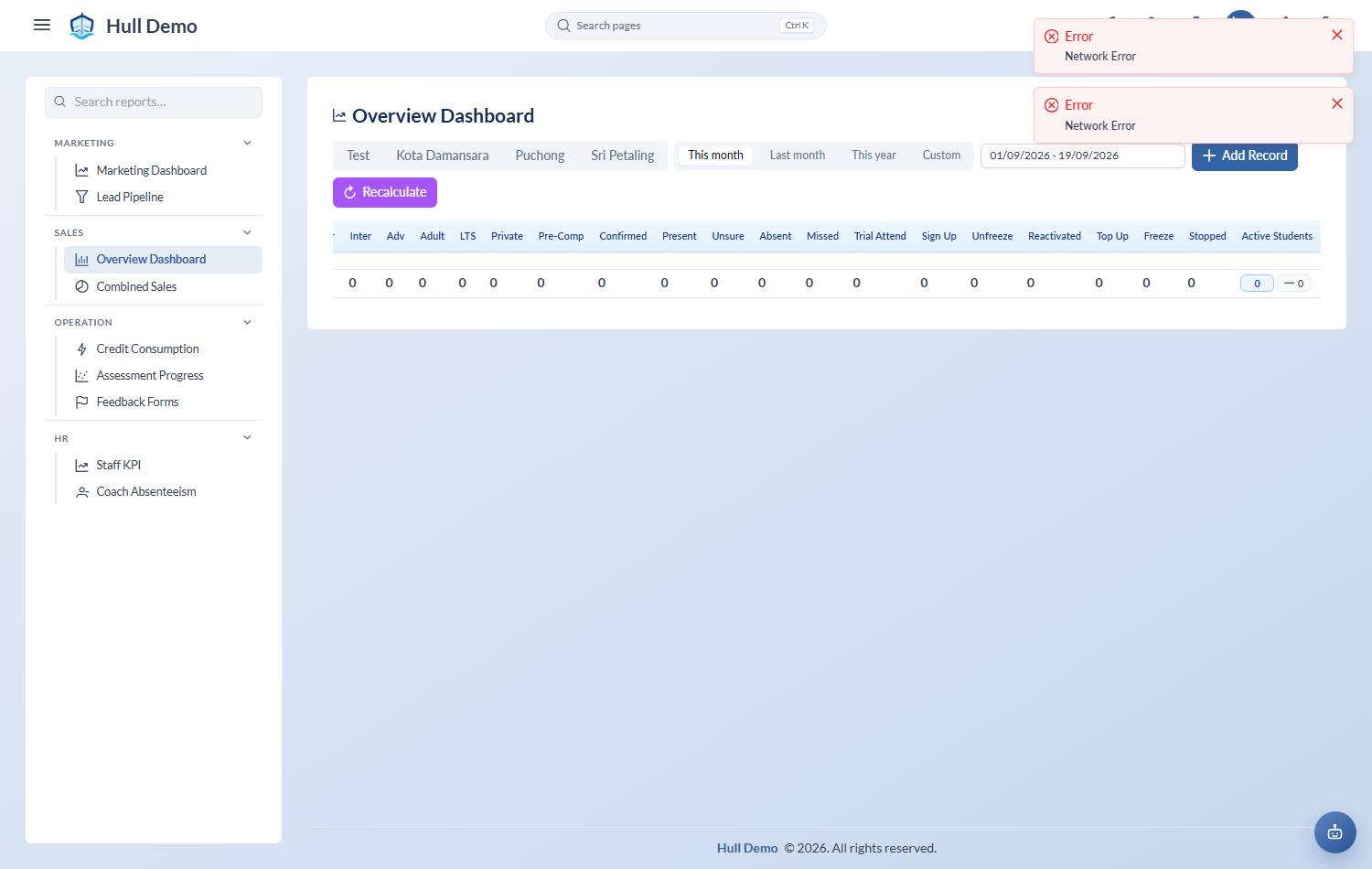
Present + Absent + Missed + Unsure is every mark taken that day. The Missed column only appears if your academy uses the mark — see Attendance statuses.The totals row
The bottom of the table totals the period you picked, so you do not have to add up a month by eye.
One column behaves differently on purpose. Active Students is a headcount, not an event — adding up a daily headcount over a month would count the same child thirty times — so it shows where the academy stands on the end date of your range rather than a sum. Every other column is a true total for the period.
If a day looks wrong
- Everything zero for today — if your academy finalises days, the register has not been closed yet. Figures fill in as attendance is confirmed.
- A day looks short — check the branch selector. Each branch is separate, and the totals do not combine.
Related: How revenue is counted · See who stopped, and why · See who is in class today.