
Close the academy for a day为某一天休业
Public holidays and unplanned closures. Recording them keeps a closed day from looking like a bad day.公共假期与临时休业。记录下来,休业日才不会看起来像生意很差的一天。
这篇指南的正文目前只有英文版。标题、摘要与导览已翻译;内文仍在翻译中。
A day the academy is shut should never appear in your numbers as a day nobody turned up. Record it, and the system treats it as closed everywhere — attendance, follow-up tasks, and package expiry.
1. Open Academy Event
Operation → Academy Event, then Add Event.
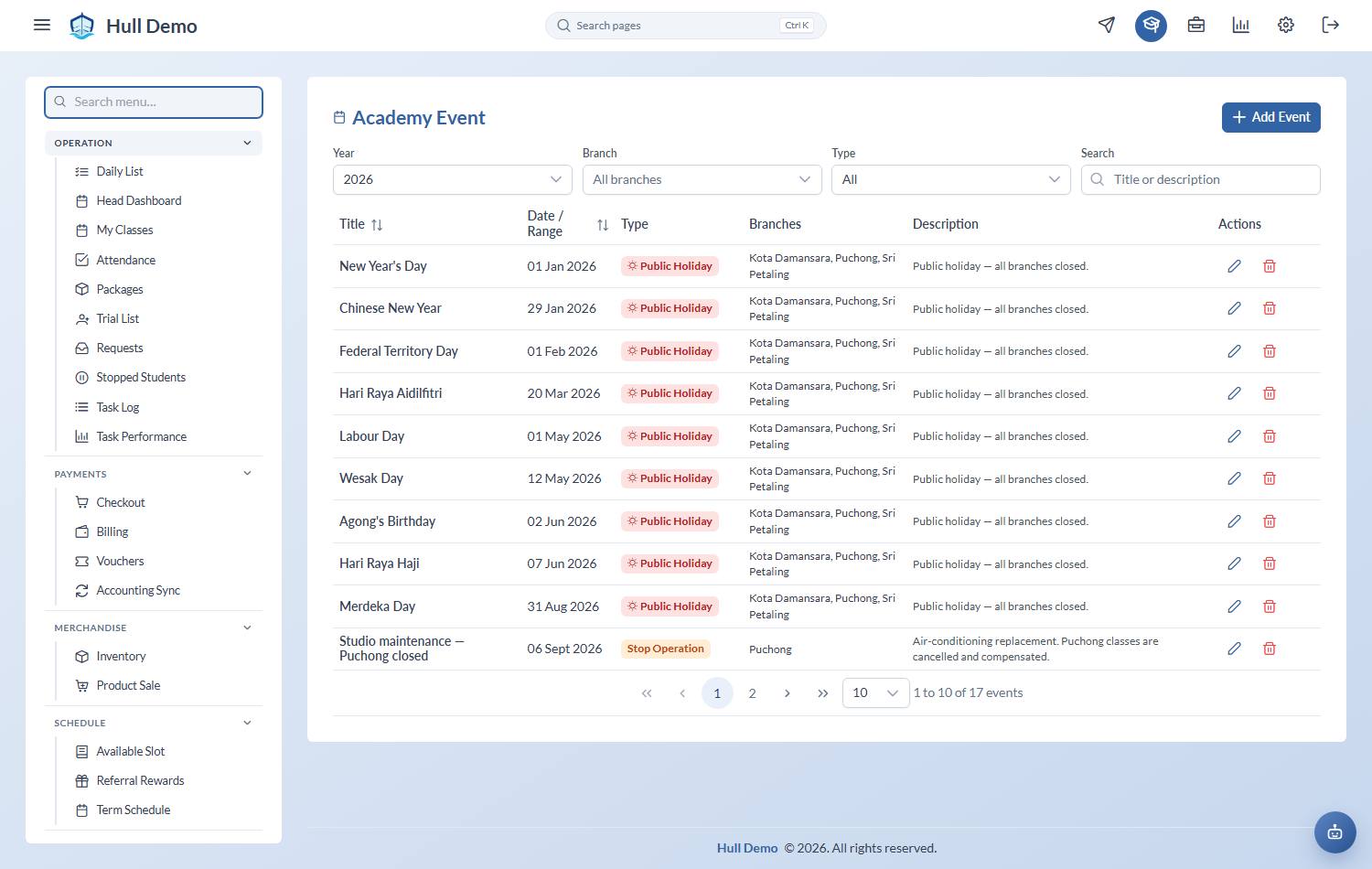
2. Fill in the closure
- Title — what it is. "Hari Raya", "Pool maintenance", "Staff training".
- Type — a public holiday, an operational closure, or an ordinary event. Only the closure types suppress classes.
- Date / Range — one day or a span. Multi-day and multi-year are both fine.
- Branches — which branches are affected. One branch closing does not close the others.
Then Create.
What it changes
- No attendance is expected for that day, so your present rate is not punished for a day nobody could attend.
- No follow-up tasks are generated for a public holiday.
- Package expiry can be compensated. A family that lost a week to a closure can have their expiry pushed out — see Extend a package.
Record the closure before the day, not after. Registers, tasks and dashboards are built day by day; adding the closure afterwards fixes the reporting, but the tasks and empty registers have already been generated.
Events that are not closures
The same screen holds ordinary academy events — a gala, a recital, a parents' evening — so they show on the calendar. Those do not suppress classes. Choose the type deliberately: it is the difference between "the academy was shut" and "we had something on".
Related: Extend a package · Read the Overview Dashboard.