
Publish an announcement to parents向家长发布公告
Put a notice in front of families — a closure, a new term, an event — in the portal they already use.把通知放到家庭面前——休业、新学期、活动——就在他们本来就在用的入口里。
这篇指南的正文目前只有英文版。标题、摘要与导览已翻译;内文仍在翻译中。
Announcements appear to parents in their portal. It is the one channel where you are talking to families who have already opted in, so it is worth using well.
1. Open News
Operation → News, then Add News.
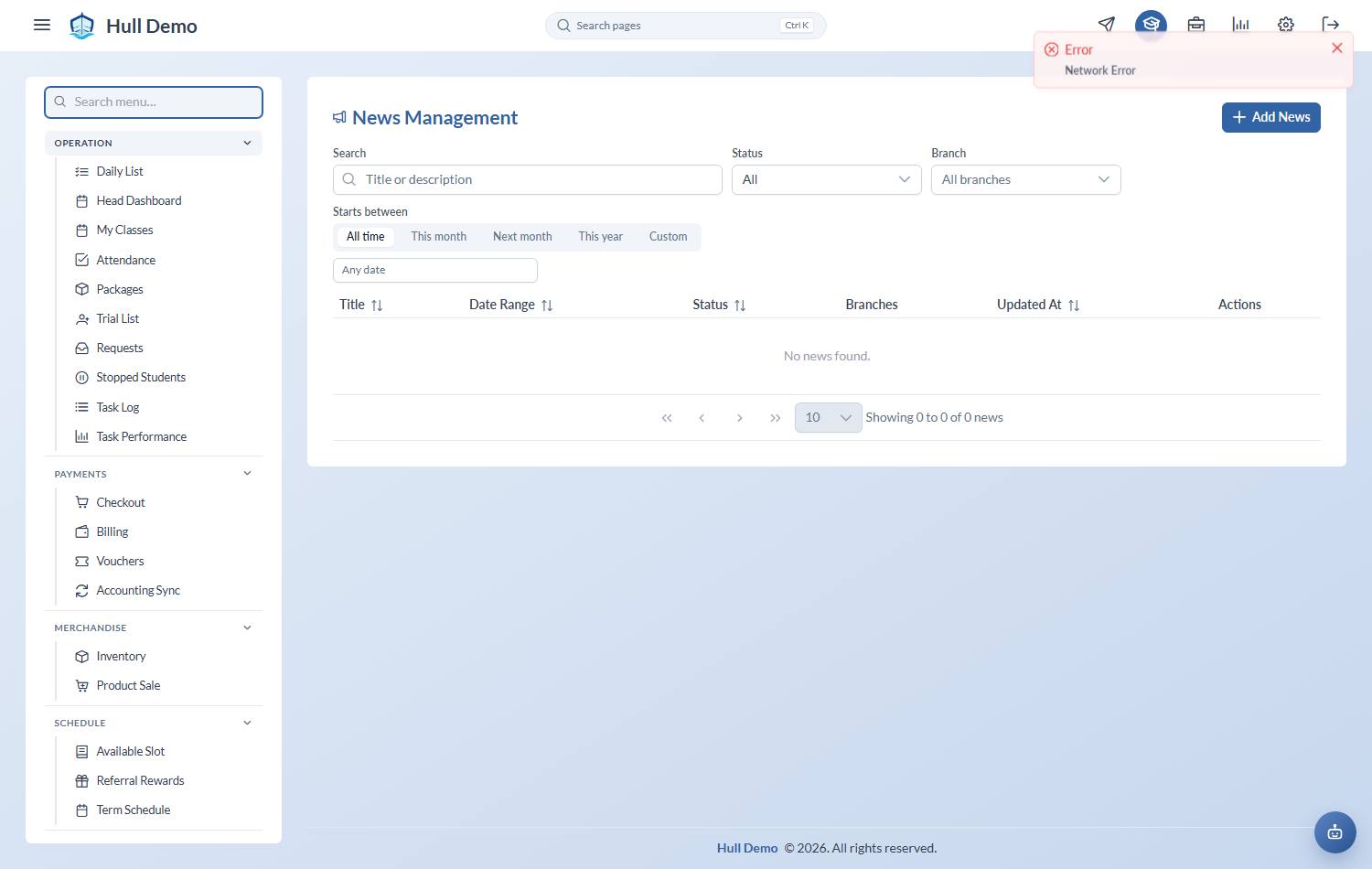
2. Write it
- Title — the line they will actually read.
- Content — keep it short. A parent is reading this on a phone between other things.
- Date Range — when it should be visible. It appears and disappears on its own.
- Branches — who sees it. A closure at one branch should not worry the families at another.
3. Publish it
An announcement stays a draft until you publish it, so you can write it now and release it later. News Preview shows what the parent will see.
When it is no longer relevant, archive it rather than deleting it.
What it is good for
Term dates, closures, assessment weeks, events, new class times, a change of coach. Anything a parent would otherwise phone the front desk about.
It is not a messaging channel — there is no reply, and no guarantee every parent opens the portal that week. For anything urgent, use it alongside your normal messaging, not instead of it.
Related: Close the academy for a day · What parents can see and do.