
Set up your class types设定班级类型
Capacity, who is allowed in, and what a class is called — set per kind of class, not per class.容量、谁可以进、这类班叫什么——按班级种类设定,不必逐班设。
这篇指南的正文目前只有英文版。标题、摘要与导览已翻译;内文仍在翻译中。
A class type is a category of class — beginner group, advanced, private, adult. It carries the rules that every class of that kind inherits.
Where
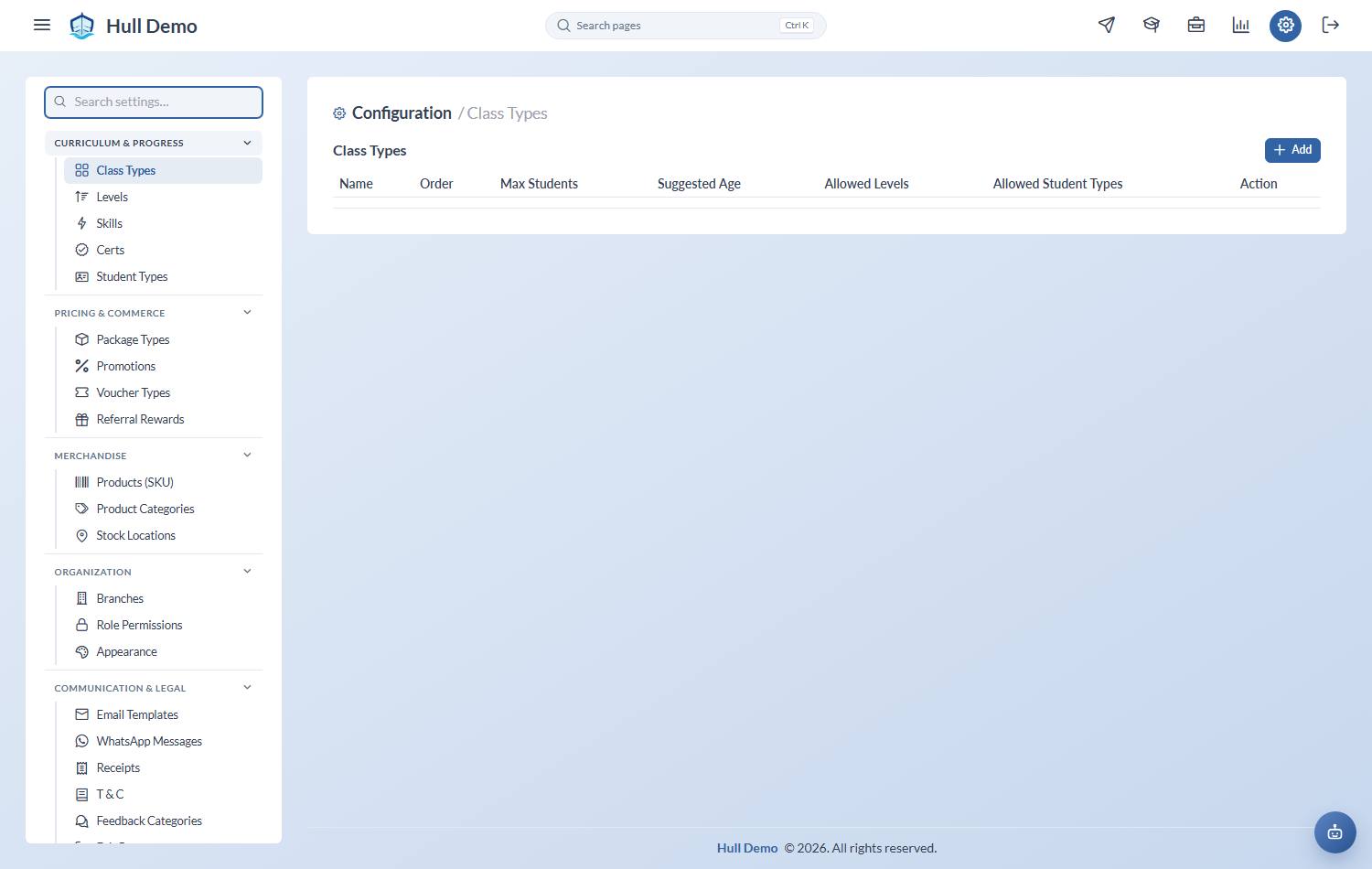
Settings → Class Types — the cog in the top bar — then Add.
What to set
- Name — what appears everywhere: registers, the timetable, reports.
- Order — where it sits in lists. Put them in the order you think about them, usually beginner to advanced.
- Max Students — the capacity of every class of this type.
- Allowed Levels — which curriculum levels may be booked in. Leave empty for no restriction.
- Allowed Student Types — which segments may be booked in. Leave empty for no restriction.
- Suggested age range — the youngest and oldest age this class type is meant for, in months. Guidance only.
Changing one may need approval
Where your academy has put class changes behind an approval, changing the class type on an existing class — or switching a class on or off — becomes a Request rather than a change, and lands in the queue with the reason and the date it takes effect. Editing the class type itself here is unaffected; it is moving a class onto a different type that gets a second pair of eyes. See Work the Requests queue.
The age range is for the assistant, not a rule
Setting it does two things: it tells your team who a class is aimed at, and it tells the WhatsApp assistant, which otherwise has to guess the age band from the class name. "Baby 6-12 months" it can read; "Pre-Comp" it cannot.
It is not enforced anywhere. Nothing is hidden from a parent, no booking is blocked, and your team can place a child outside the range whenever that is the right call. The assistant is told the same — it may mention that a class is usually for older children, and it will never refuse a booking over age.
Worth filling in for every type, even the obvious ones. A blank range is the case where the assistant goes back to guessing.
Capacity is per type, not per class
This is the point people trip over. Raising Max Students because one popular class needs two more places raises it for every class of that type.
If one slot genuinely needs a different size — a smaller pool, a bigger room — give it its own class type.
The restrictions are enforced at booking
A student outside the allowed levels or allowed student types cannot be booked into the class. That is a feature: it stops a beginner ending up in an advanced group because two names looked similar.
Getting the size right
Capacity is also a commercial decision. Too high and the teaching suffers and families leave; too low and you turn away demand you have already paid to create. The availability screen shows which of the two is happening to you — see Check what is full and what is empty.
Related: Create a class · Build your curriculum · Set up your student types.