
Check your term schedules检查学期时间表
The fixed sets of dates term packages run on — what they contain and where they are used.学期配套所依据的固定日期组——里面有什么,以及用在哪里。
这篇指南的正文目前只有英文版。标题、摘要与导览已翻译;内文仍在翻译中。
A term schedule is a named set of dates — the sessions a term actually runs on. Term packages bind to one, so every family on that term shares the same start, the same dates and the same expiry.
Looking at them
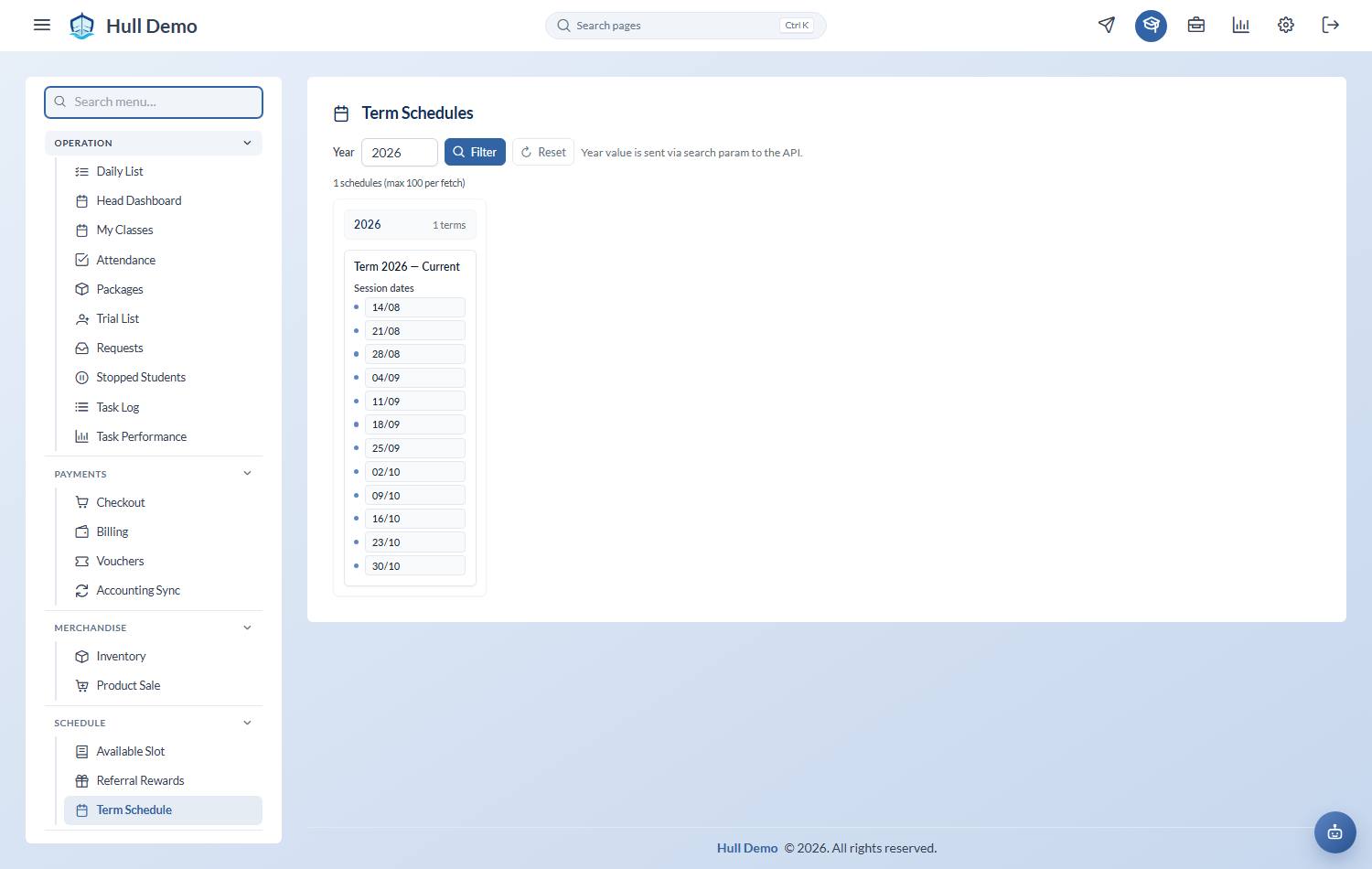
Schedule → Term Schedule. Set the Year and choose Filter.
Schedules are grouped by the day of the week they run on, and each card lists its session dates in order.
Where they are used
- At checkout, a term package asks which term schedule it is for. That is what sets the package's dates.
- On a package, Apply schedule dates fills the start and expiry from the term rather than someone typing them — which is why everyone on a term matches.
How long a term package lasts
A term package stays valid until the next term on that weekday begins, not for a fixed number of days after the last class.
Normally you would never notice, because terms run back to back. It matters when a public holiday falls between two terms: if Monday Term 8 ends and Monday Term 9 does not start until the following week, the gap is still covered, and a child holding an unspent credit can use it.
The next term is found by weekday and date order, not by its name — so a term called "Term 9 (rescheduled)" is treated the same as any other.
Reading a schedule properly
Check the dates against your closures before a term is sold. A term schedule that includes a public holiday will have families expecting a class that will not happen, and the fix afterwards is an extension for everybody rather than a correct date list up front.
See Close the academy for a day.
Related: Set up your package types · Sell a package · Correct a package after the sale.